
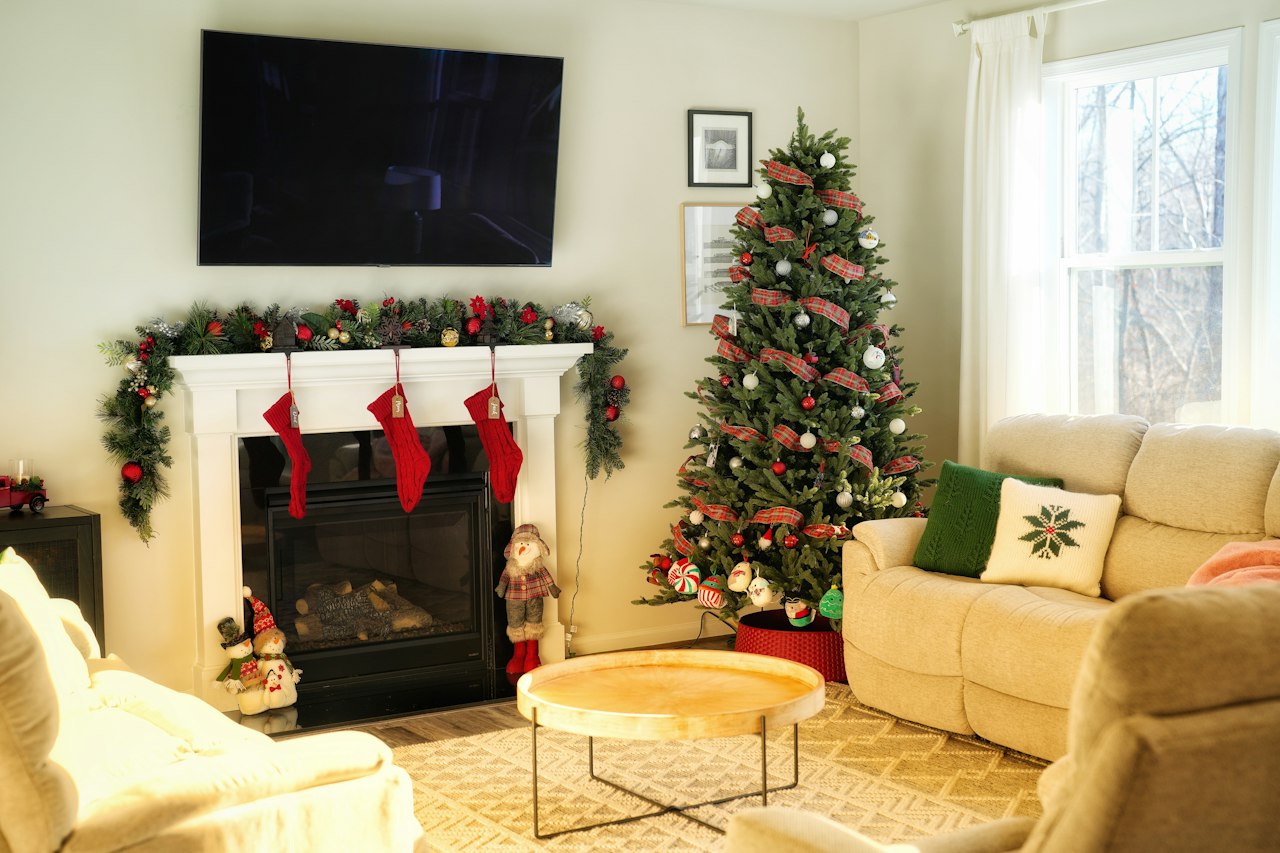
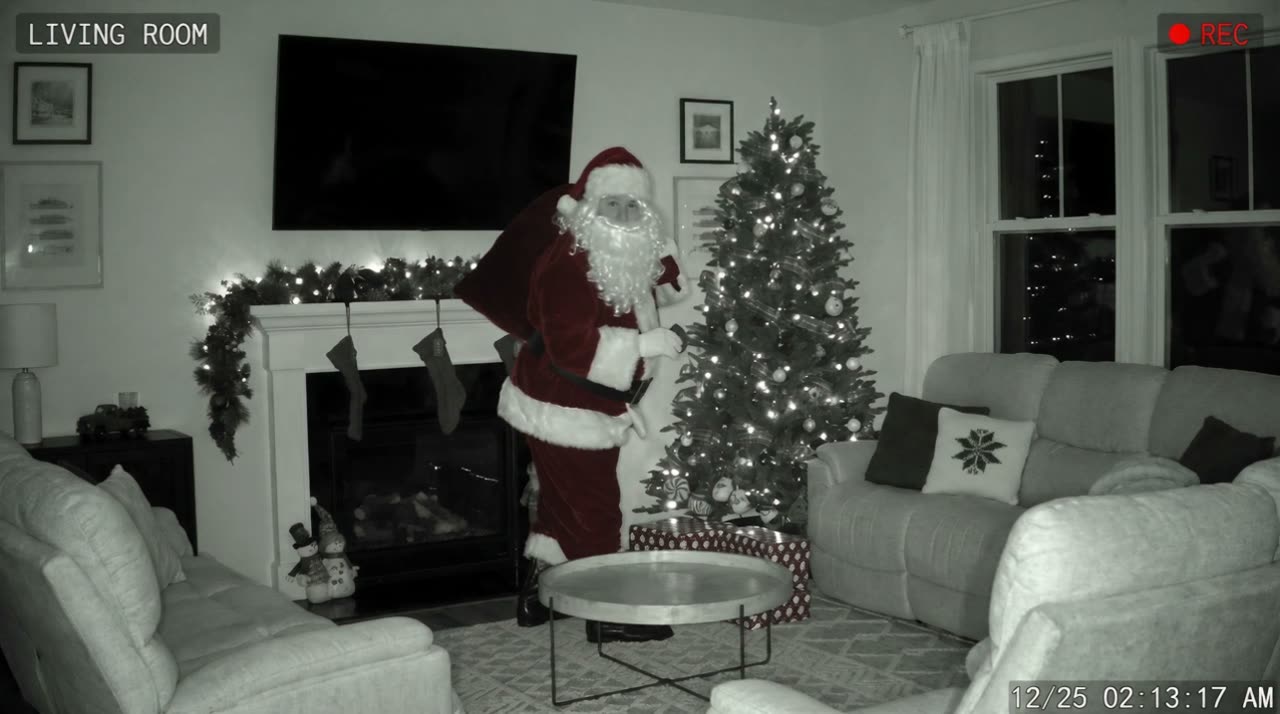
Catch Santa apps (the “Catch Santa in My House” style apps on the App Store and Google Play) mostly give you a photo with a Santa sticker or 3D model placed in it. Santa in House makes a 8-second camera-style video from a photo of your room, keeps your real room, and needs no download. Video 50 credits, photo 10 credits.
Catch Santa apps vs. Santa in House
Both start from a photo of your home. The difference is what comes out.
- Photo apps: you place a ready-made Santa image or 3D model into your photo and save a picture. Quick, often with in-app purchases or a subscription for more poses.
- AR apps: Santa appears live in your camera view while you film. Fun, but you are holding the phone, so it does not look like hidden-camera footage.
- Santa in House: you upload one photo; the AI rebuilds it as night-vision or doorbell camera footage and films Santa’s visit, with sound and a timestamp. Or choose a single photo.
Which one should I use?
If you want a quick funny picture and already have an app you like, use it. If you want the “we checked the camera and there he was” moment, a video from your own room is the closer match. You can also do both: a video for Christmas morning and a proof photo for the fridge.
Questions parents ask
Is there a free catch Santa in my house app?
Several apps are free to download with paid extras. This site has no free plan: a photo is 10 credits and a video 50 credits, and the credits come back if it fails. When the free preview is open, each Google account can make one small watermarked preview photo for 0 credits; sign in with Google to check.
Does it work on iPhone and Android?
Yes, in Safari, Chrome or any modern browser. Nothing to install.
Can I use a photo I took in a catch Santa app?
Use a clean photo of the room without stickers or Santa already in it; the AI adds Santa itself.