
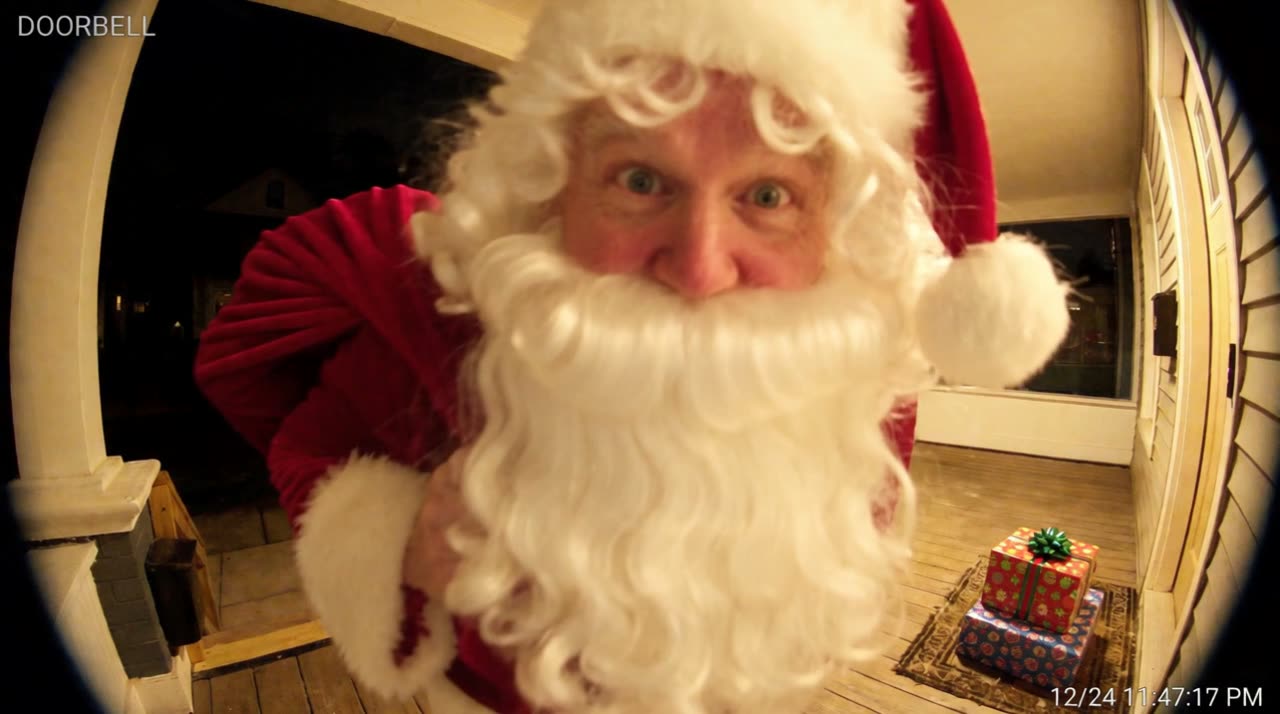
A Santa ring camera video here is doorbell-style footage made from a photo of your own doorstep, taken from the doorway: fisheye lens, porch light, timestamp, and Santa walking up with a sack, leaving gifts on the doormat, spotting the camera and whispering “Merry Christmas” to your child by name. 8 seconds, 50 credits. It works with any door, with or without a real doorbell camera.
What the doorbell video looks like
The video starts on your own doorstep, rebuilt as a wide fisheye doorbell view looking out, with a small “DOORBELL” label and a running timestamp. Santa comes up the path with his sack, sets two or three wrapped presents on the mat right below the lens, notices the camera, leans in close, whispers “Merry Christmas” to your child by name, says “shh” and heads back down the path. The gifts are still there when the clip ends.
How to photograph your door
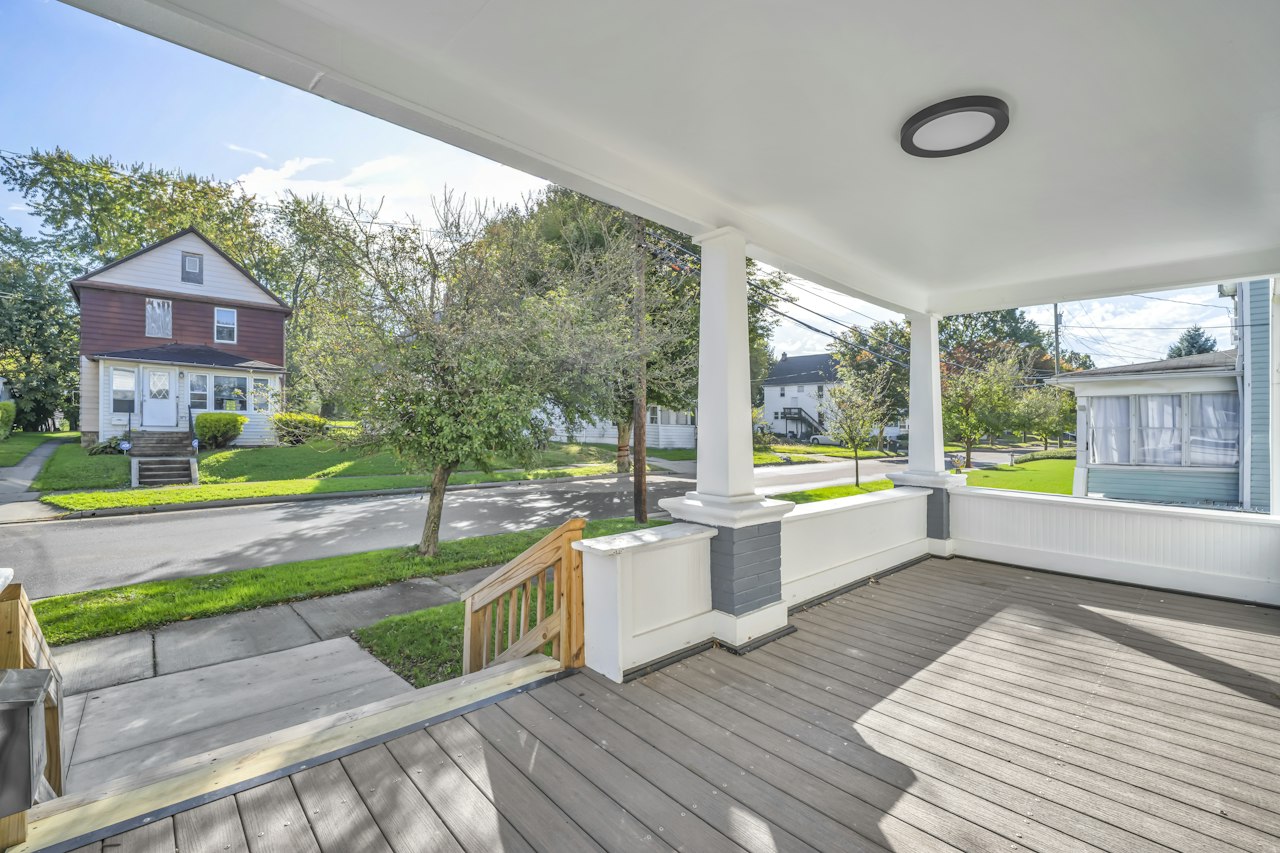
- Stand where a doorbell would be, about chest height, a step back from the door.
- Turn the porch light on; evening photos look the most like real doorbell footage.
- Include the doormat and a bit of the steps or path.
- No people, no pets, no house numbers you would rather not share.
Do I need a real Ring or doorbell camera?
No. The look is made by the AI from a normal phone photo. If you do have a doorbell camera, the clip will feel familiar to your kids because it looks like the app they have seen you check.
Questions parents ask
Is there a Santa filter for the Ring app?
Doorbell apps do not add Santa to your real recordings. This site makes a separate doorbell-style video from a photo of your door.
Can I add Santa to my doorbell camera footage?
Upload a screenshot or photo of your doorstep and choose the doorbell camera. Santa is added in a new 8-second clip of that same spot.
How much is it?
Standard 50 credits, HD 100 credits, a doorbell-style photo 10 credits. Credits are refunded if it fails.
Is this made by Ring?
No. Santa in House is independent and not affiliated with Ring, Amazon or any doorbell maker.