
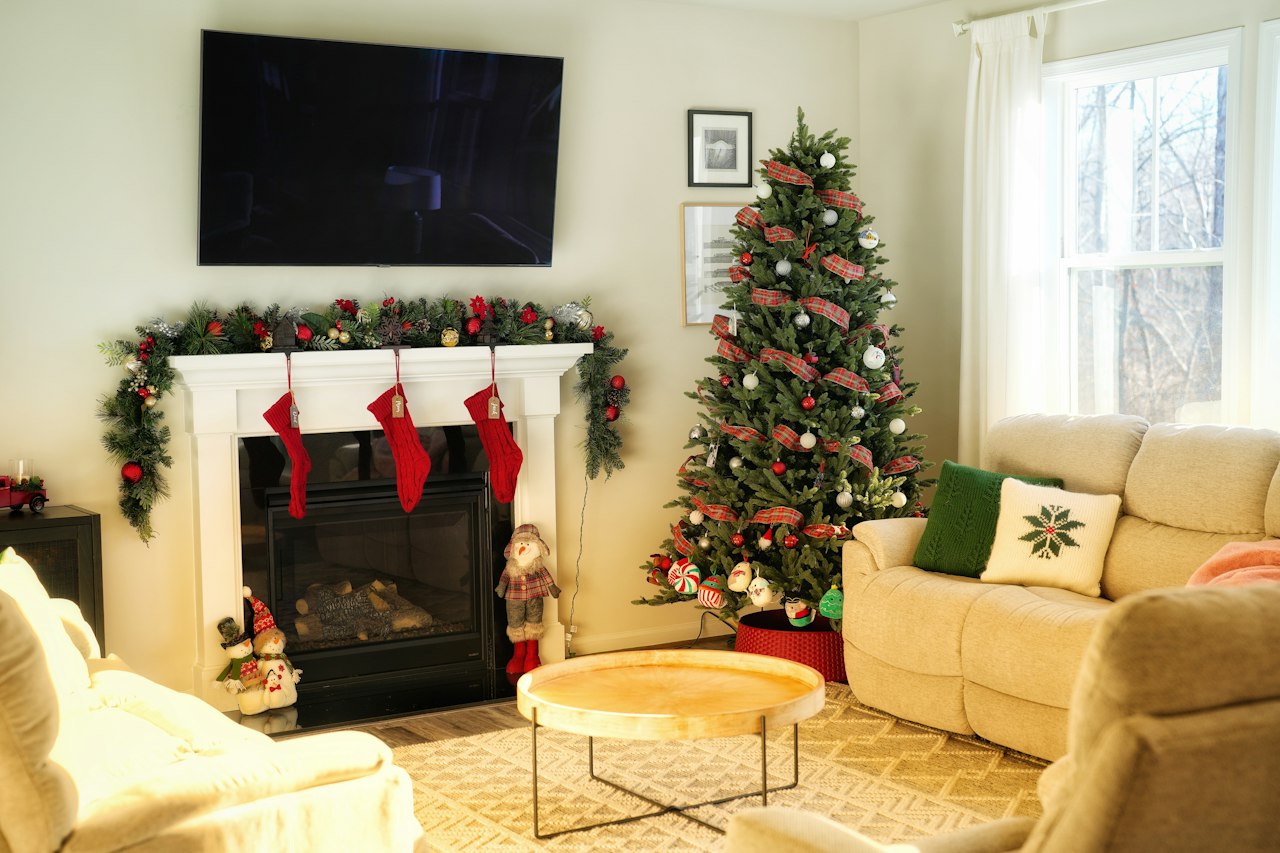
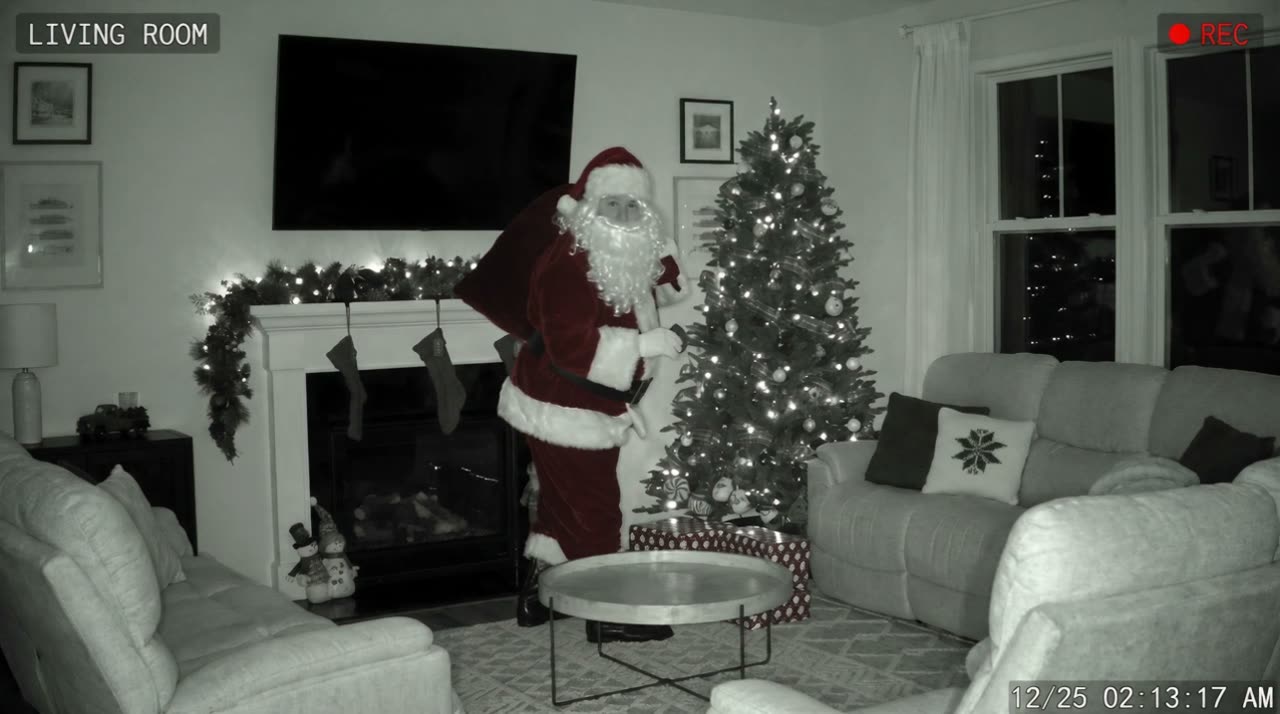
Upload a photo of the room with your tree and choose the night-vision camera. The AI rebuilds it as a high-corner security camera view in grainy green-grey night vision, with a REC dot and timestamp, and films 8 seconds of Santa’s visit in that exact room. Standard 50 credits, HD 100 credits.
What the security camera footage looks like
The view comes from a high corner, like a real indoor camera, over your sofa, rug and tree from the photo. Tree lights glow as soft spots, the picture is grainy, a small “LIVING ROOM” label sits top left and “REC” top right. Santa comes in from the side of the frame (or the fireplace, if there is one), kneels by the tree, sets the gifts down, picks up a cookie, turns to the camera, puts a finger to his lips and slips out.
A spy cam without the spy cam
Santa spy cam ornaments and apps promise to catch Santa. This does it after the fact: you take one ordinary photo, and the footage is waiting for you in the morning. Want a still for the fridge instead? Choose Photo for 10 credits.
Questions parents ask
Why night vision?
Real indoor cameras switch to infrared in the dark, so grainy black-and-green footage is what a 2 AM visit would really look like. It also hides small details, which makes the clip more convincing.
Which photo works best?
A landscape photo from a corner of the room, a little high, with the tree lights on and some floor in front of the tree. No people.
Can Santa come down the chimney?
If your photo shows a fireplace, Santa may enter from it; otherwise he walks in from the side.
Is it a real recording?
No. It is AI-generated footage made from your photo.